
The quick answer
This guide changes that. We sorted the best ai filmmaking tools into three phases: pre-production, production, and post-production. We found the best gear for your specific workflow so you can stop hunting and start making. You need to know which tool fits your project before you waste any time or money.
Independent filmmakers often struggle with limited resources, but artificial intelligence offers a way to level the playing field. This guide breaks down essential AI tools by production phase so you can choose what fits your specific needs without wasting money or time.
Rather than listing every available app, we focus on practical solutions that streamline workflows from initial concept to final cut.
Understanding how these tools work together is key. When used correctly, they empower creators rather than replace them.
A useful film guide makes its subject clearer through specific examples, not broad labels.
Watch the workflow
Top 5 Secret A.I. Filmmaking Tools JULY 2026
Everyone is just using Seedance, but here are my secret top AI tools that changed my workflows completely… When I started a ...
What AI Filmmaking Tools Actually Do
At its core, an AI filmmaking tool is a software application designed to assist in creating movies using advanced algorithms. These programs support activities across the entire filmmaking pipeline—from writing scripts and planning scenes to editing footage and enhancing sound.
They excel at handling repetitive or time-consuming tasks such as transcribing dialogue, generating visual concepts, organizing schedules, or color correcting clips. This allows human creators to concentrate on storytelling decisions that require emotional intelligence and artistic judgment.
Importantly, these applications are meant to amplify creativity, not substitute it. The director’s vision remains central; technology simply removes barriers that once required large crews or expensive equipment to overcome.
Changing How Work Gets Done Every Day
One of the most significant impacts of AI is drastic reduction in turnaround time for complex processes. What previously took days—like matching audio to video, removing background noise, or assembling rough cuts—can now be completed in minutes.
Individual artists who once relied on teams for post-production tasks can independently achieve professional results. For example, generating storyboards from text descriptions used to demand illustrators and coordinators; today, a single filmmaker can produce multiple variations rapidly.
However, speed does not equal quality if left unchecked. While machines handle technical execution effectively, they lack contextual understanding—why a particular shot matters emotionally, how lighting affects mood, or why silence speaks louder than music. Human oversight ensures those nuanced choices remain intact.
The ideal approach involves offloading mechanical labor while retaining full creative control. By doing so, directors spend less time wrestling with software and more time refining performances, pacing, and narrative structure.
Organizing Tools Around Production Stages
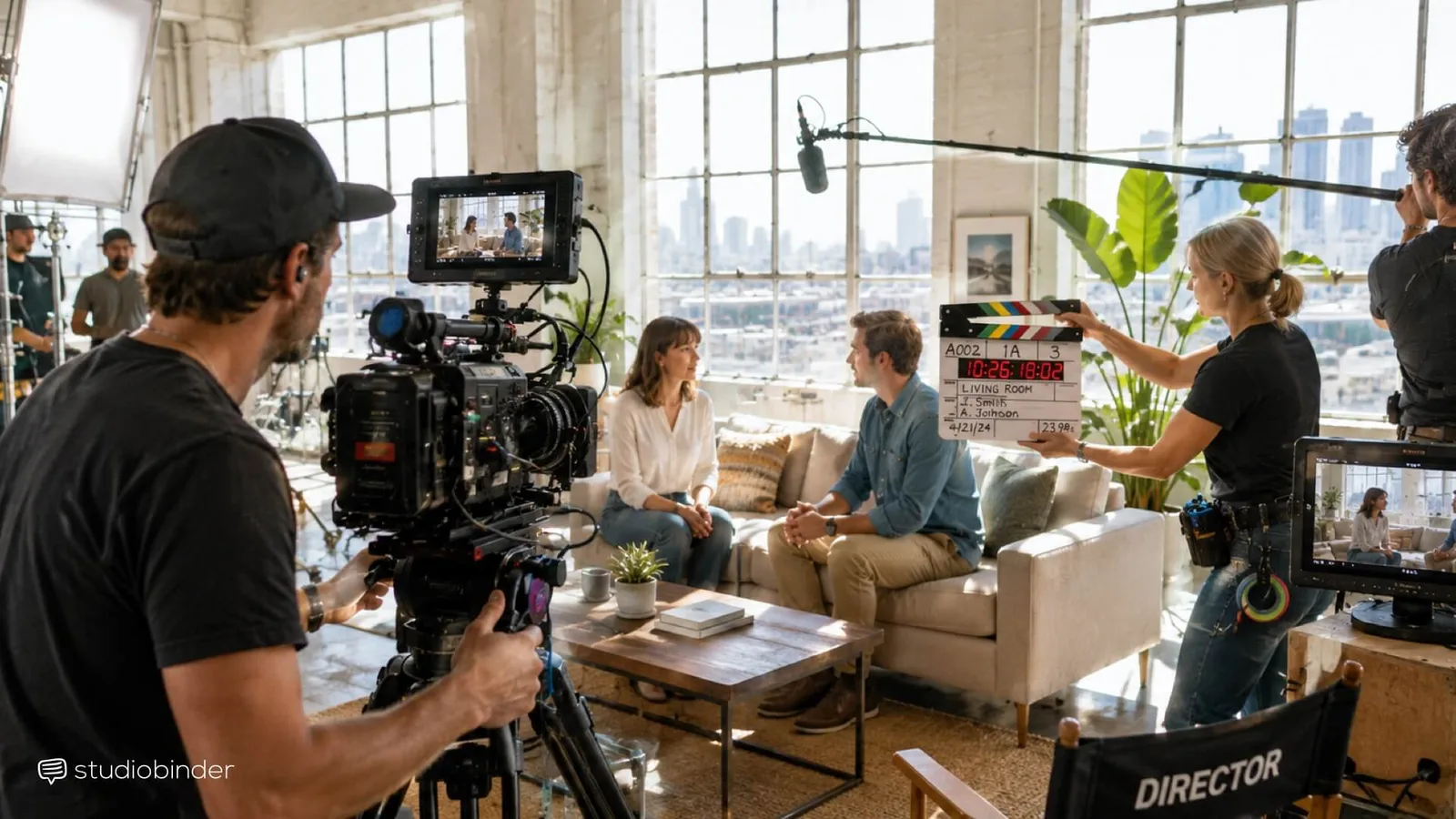
Effective use of AI begins with aligning tools to where you are in your project lifecycle. We categorize them into three distinct phases: pre-production, production, and post-production.
You don’t need to explore every option sequentially. If you’re already shooting footage, jump straight to tools aiding capture or real-time monitoring. Similarly, if editing is underway, prioritize platforms supporting intelligent trimming, auto-captioning, or grade suggestions.
Pre-production sets the foundation. During this stage, writers and directors benefit from tools that generate mood boards, convert scripts into scene breakdowns, predict shoot durations based on location data, or simulate camera angles—all before rolling cameras.
Real-World Applications Available Now
Image-generation models like Midjourney, DALL-E 3, and Flux enable rapid visualization of abstract ideas. Type in a prompt describing a dystopian alleyway lit by neon signs, and within seconds, you receive several high-quality renders suitable for reference during cinematography meetings.
These outputs serve well for exploring palette combinations, composition styles, or atmospheric tones early in development—but they shouldn’t replace traditional storyboards. Storyboards require continuity between shots, explicit action directions, timing notes, and alignment with script beats, which standalone image generators cannot provide.
Platforms like StudioBinder bridge this gap by allowing users to import AI-generated images directly into structured storyboard templates. Each frame becomes part of a sequential stripboard linked automatically to corresponding script pages, shot lists, and calendar entries. Adjustments made anywhere propagate seamlessly throughout connected documents.
Turning Creative Ideas Into Actionable Plans
Planning efficiently requires turning abstract creative goals into executable logistics. Scripts must transform into detailed breakdowns identifying every actor, prop, costume piece, special effect requirement, and filming location—all tagged consistently for easy retrieval later.
Once broken down, each element feeds into constructing comprehensive shot lists specifying lens types, framing formats, movement patterns, and desired effects. These feed further into scheduling systems estimating daily coverage rates, travel times, crew requirements, and equipment rentals.
From there, automated call sheets distribute essential information cast and crew need daily—including arrival times, wardrobe instructions, makeup appointments, and contact numbers—all synchronized centrally so changes ripple instantly across all relevant parties.
StudioBinder exemplifies this interconnected ecosystem because modifying one component triggers cascading updates elsewhere—a change reverberates accurately through script, breakdown, schedule, storyboard strip, and documentation simultaneously, eliminating manual reconciliation errors common when working disconnected spreadsheets or emails.
Frequently asked
What qualifies as an AI filmmaking tool?
Any software leveraging machine learning or generative technologies to assist cinematic creation qualifies. Examples include script analyzers, voice-to-text converters, automatic editors, virtual set builders, sound enhancers, and visual effect synthesizers.
Can I rely solely on AI to make my film?
No. While AI accelerates many steps, meaningful artistry stems from deliberate human direction—the emotional arc, character motivations, thematic depth, and tonal balance all originate from thoughtful authorship beyond algorithmic output.